

Moonlight Game Streaming
An in-depth review of Moonlight Game Streaming for Linux. Discover how this open-source client delivers low-latency PC gaming on your Linux desktop.
Moonlight game streaming on Linux offers an exceptionally fluid way to play your favorite PC titles from a powerful host computer onto a lighter Linux client. Developed by the Moonlight Game Streaming Team, this open-source utility leverages the high-performance GameStream protocol to deliver near-zero latency, making remote gaming feel virtually indistinguishable from playing locally.
How Moonlight Game Streaming Redefines Remote Play
Unlike traditional screen-sharing applications that suffer from sluggish frame rates and input lag, Moonlight game streaming is built specifically with interactive entertainment in mind. By pairing with a host PC running either Sunshine (for AMD, Intel, and Nvidia users) or Nvidia's legacy GeForce Experience, it decodes video feeds with remarkable speed. For Linux enthusiasts, this means you can harness the raw rendering power of a high-end Windows rig right from your Linux laptop, HTPC, or media center.
Key Features of the Moonlight Client
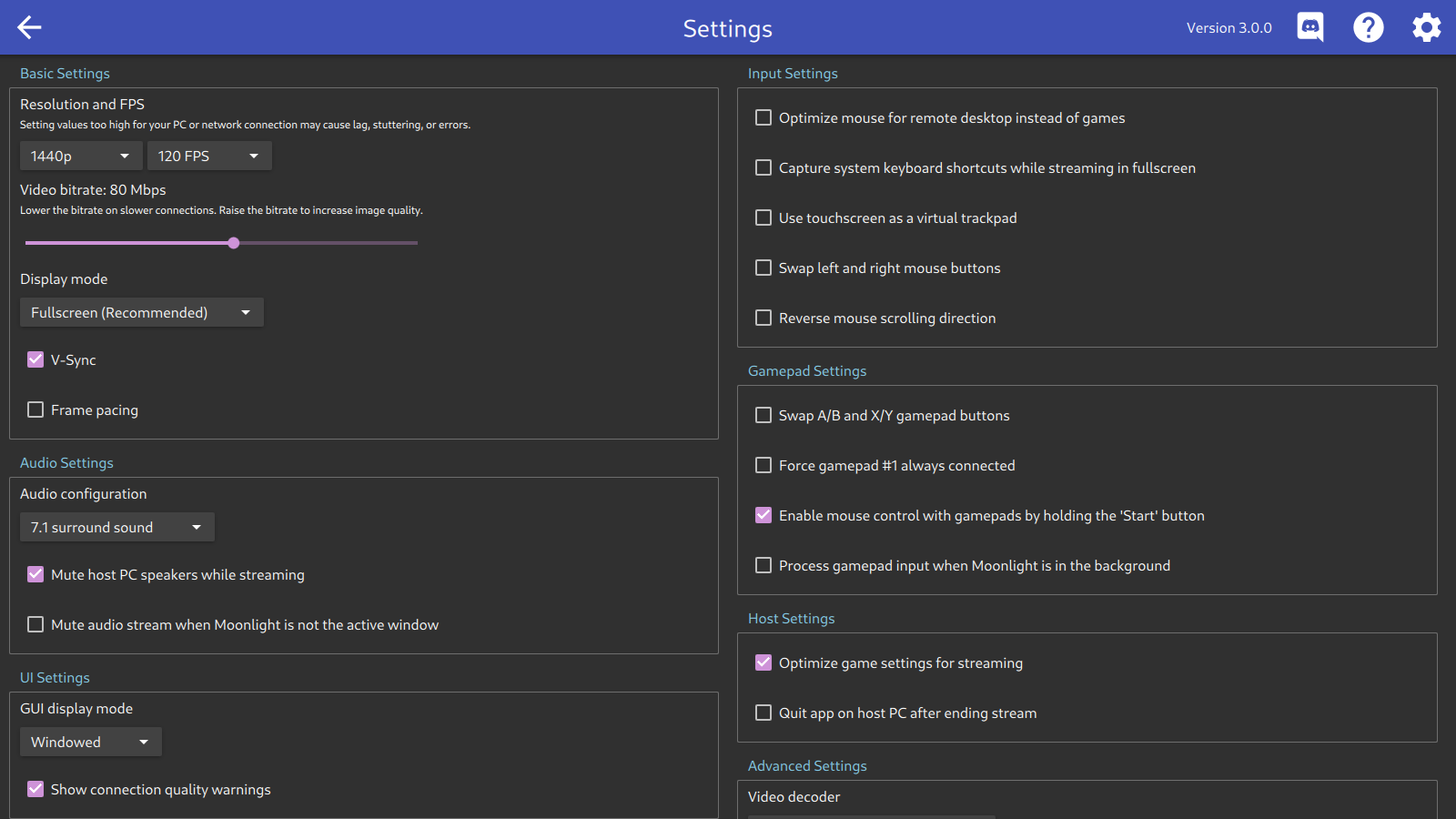
- Advanced Hardware Decoding: Fully supports VAAPI, VDPAU, and NVDEC to ensure your Linux hardware decodes incoming video streams with minimal CPU overhead.
- Modern Codec Integration: Out-of-the-box support for H.264, HEVC (H.265), and next-generation AV1 codecs ensures optimal image quality even at lower bandwidths.
- Immersive Audio: Experience full cinematic soundscapes with support for up to 7.1 surround sound audio.
- Extensive Input Support: Features 10-point multitouch capabilities alongside gamepad support with force feedback for up to 16 simultaneous players.
- Precise Control Schemes: Easily toggle between pointer capture for intense first-person shooters and direct mouse control for navigating your remote desktop.
- System Shortcut Passthrough: Seamlessly pass system-wide keyboard shortcuts like Alt+Tab directly to the host machine.
Who is Moonlight Game Streaming For?
This tool is an absolute game-changer for Linux users who want access to their entire Windows game library without relying on complex local wine/Proton configurations for every single title. It is also ideal for home media servers and compact Linux devices connected to living room TVs, allowing you to stream demanding games from a noisy host PC tucked away in another room.
Getting Started with Moonlight
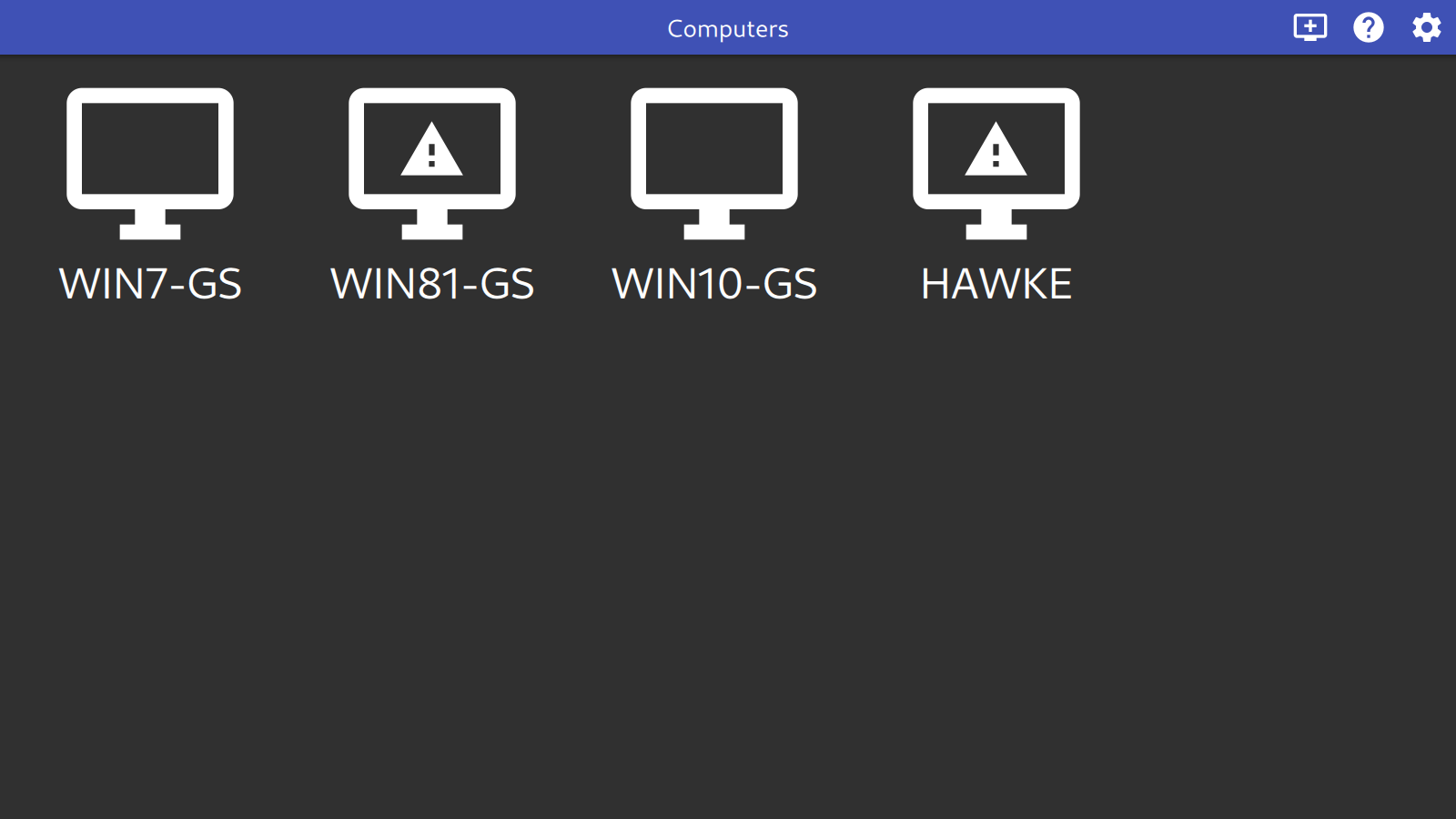
To experience ultra-smooth remote sessions, make sure your host computer has Sunshine or GeForce Experience active and configured. Once your host is ready, you can pair your Linux client to begin playing. To try this brilliant streaming solution for yourself, head over to the official Flathub store page to get the application and start configuring your ultimate home stream setup.