
Files App
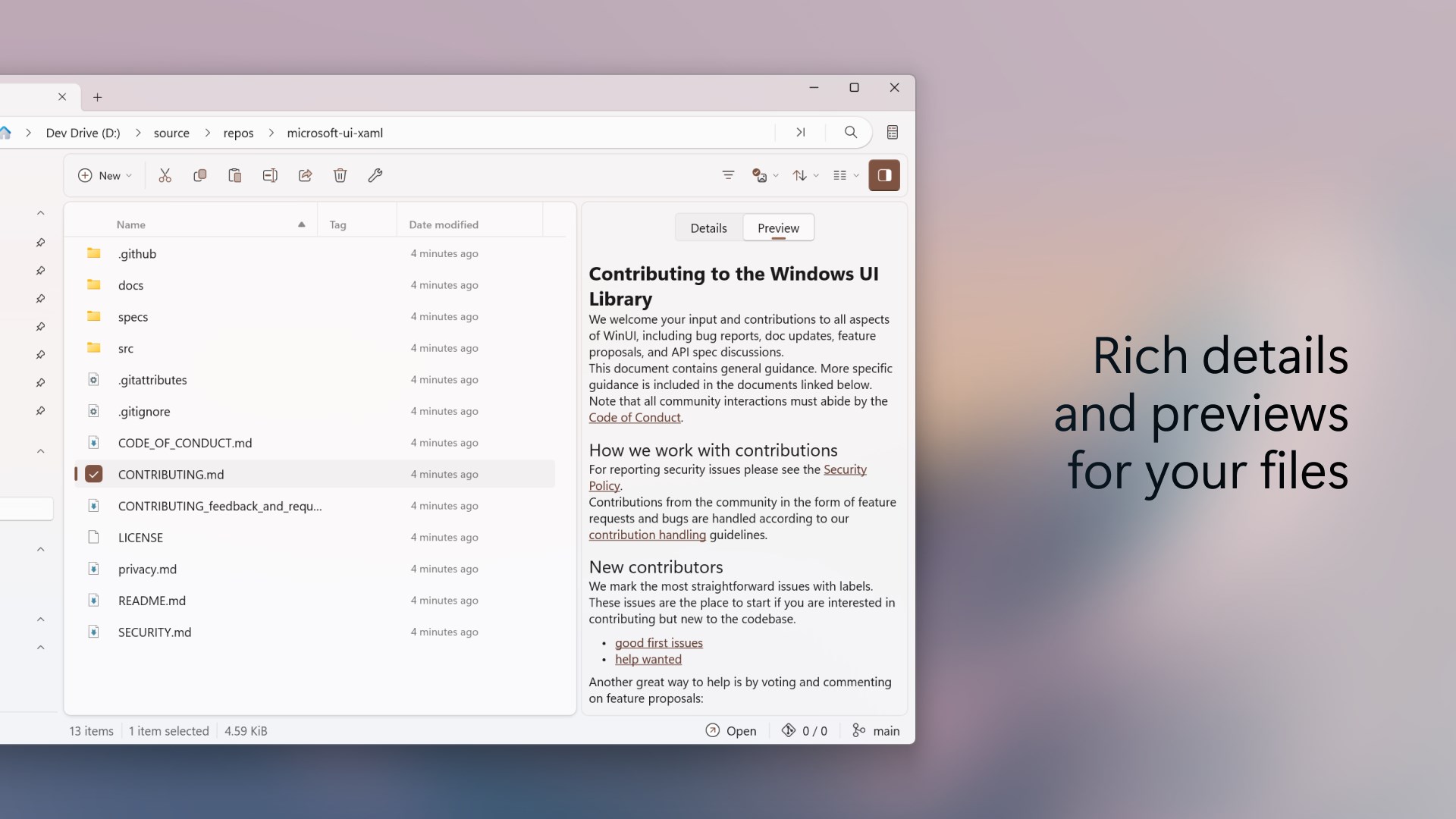
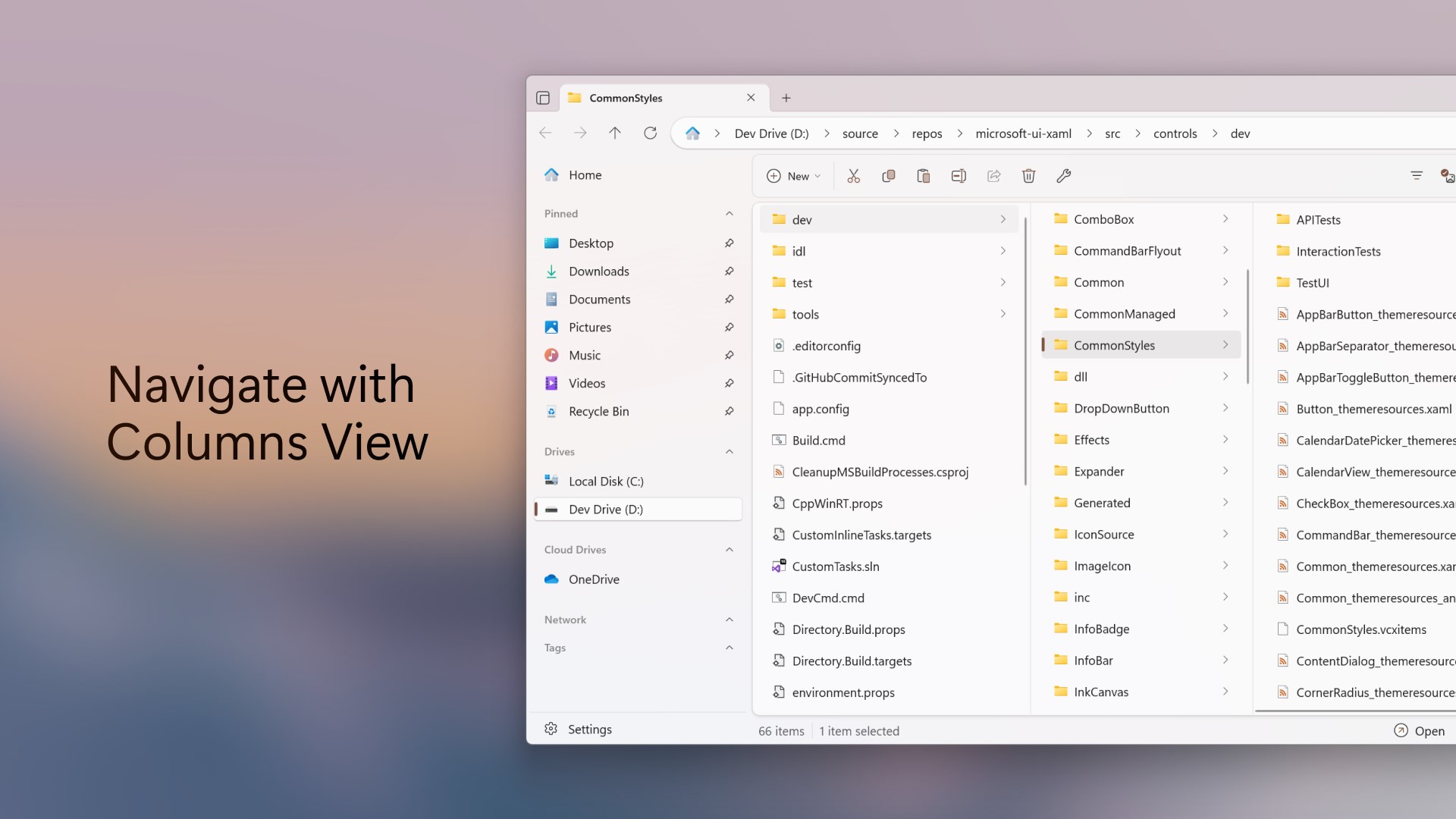
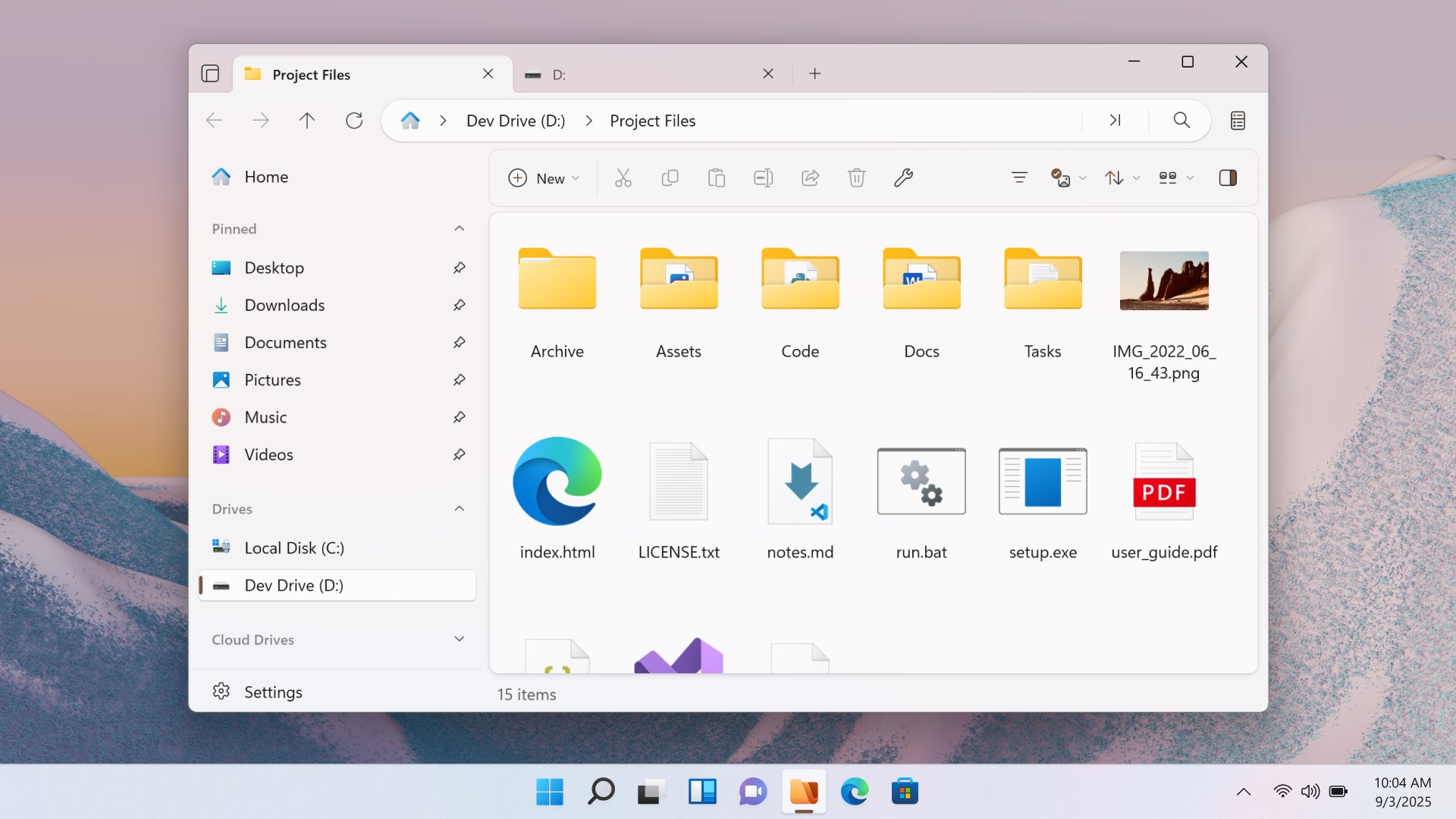
Discover how the Files App modernizes file management on Windows. Read our in-depth review of its tabs, dual-pane layout, and productivity tools.
A Modern Approach to Desktop Organization
The Files App Windows file manager reimagines how we interact with our local storage, offering a sophisticated, feature-rich alternative to the traditional, built-in system tools. Developed by the Files Community, this open-source utility is designed specifically for power users, developers, and everyday consumers who require more flexibility and efficiency when handling documents, media, and archives on the Windows platform.
Key Features of the Files App Windows File Manager
Unlike standard systems that limit you to single-window navigation, this tool introduces a suite of advanced layouts and integration options designed to optimize your workflow:
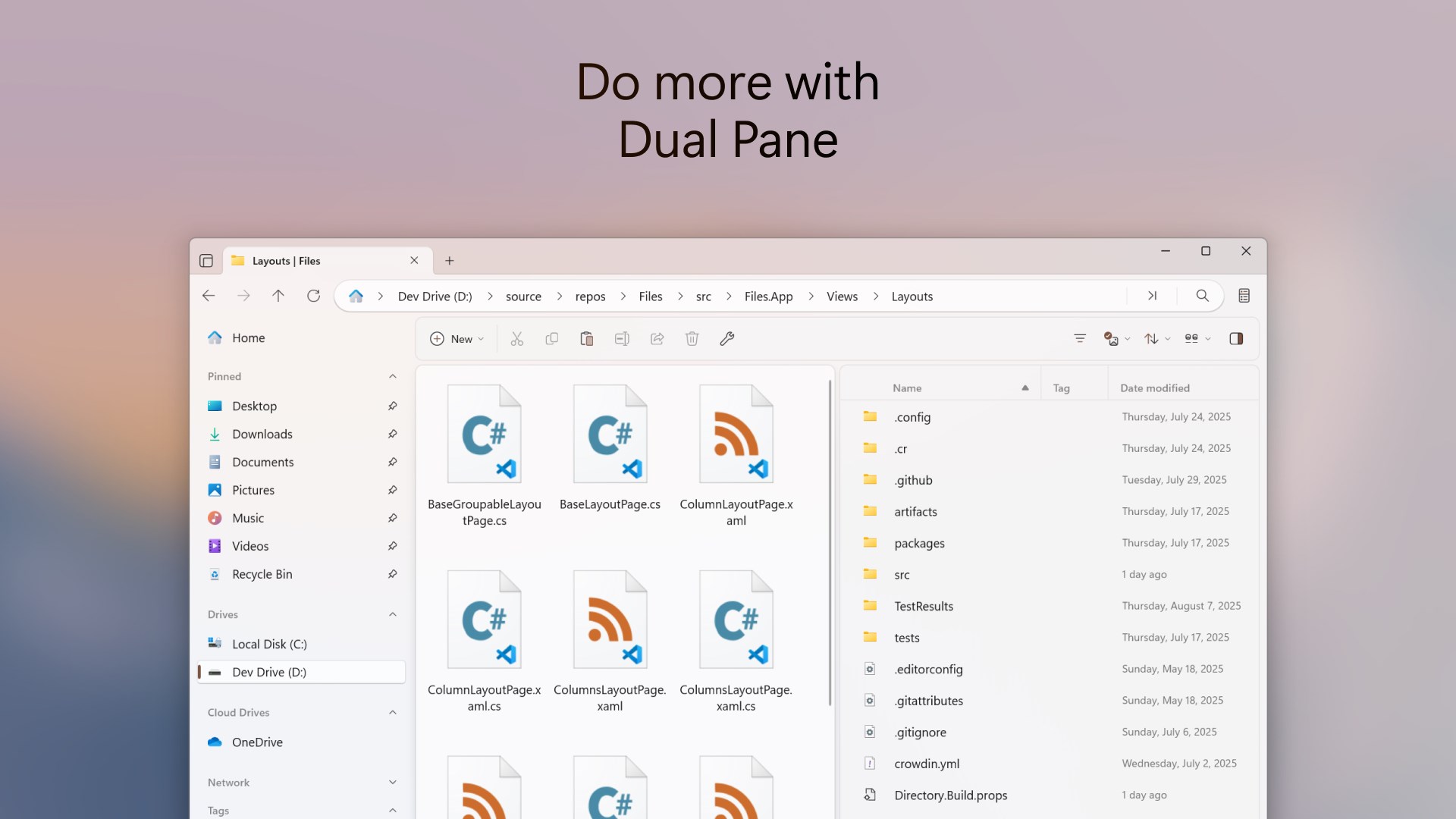
- Advanced Multitasking Layouts: Navigate through your directories seamlessly using built-in tabs, column views, and dual-pane support. This eliminates desktop clutter and makes moving items between folders exceptionally simple.
- In-App Archive Management: Browse, open, and extract various archive formats directly within the interface without needing third-party decompression software.
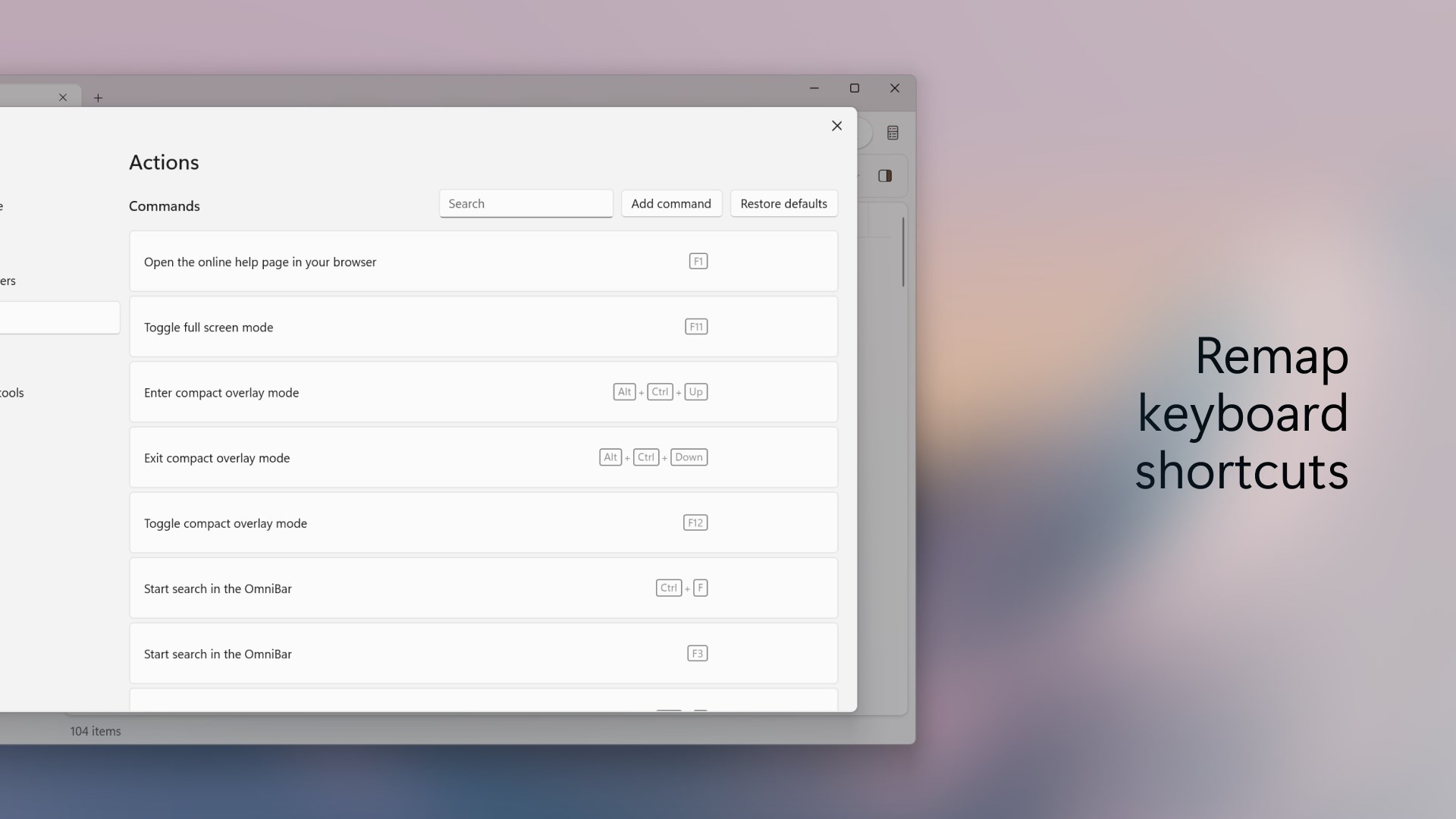
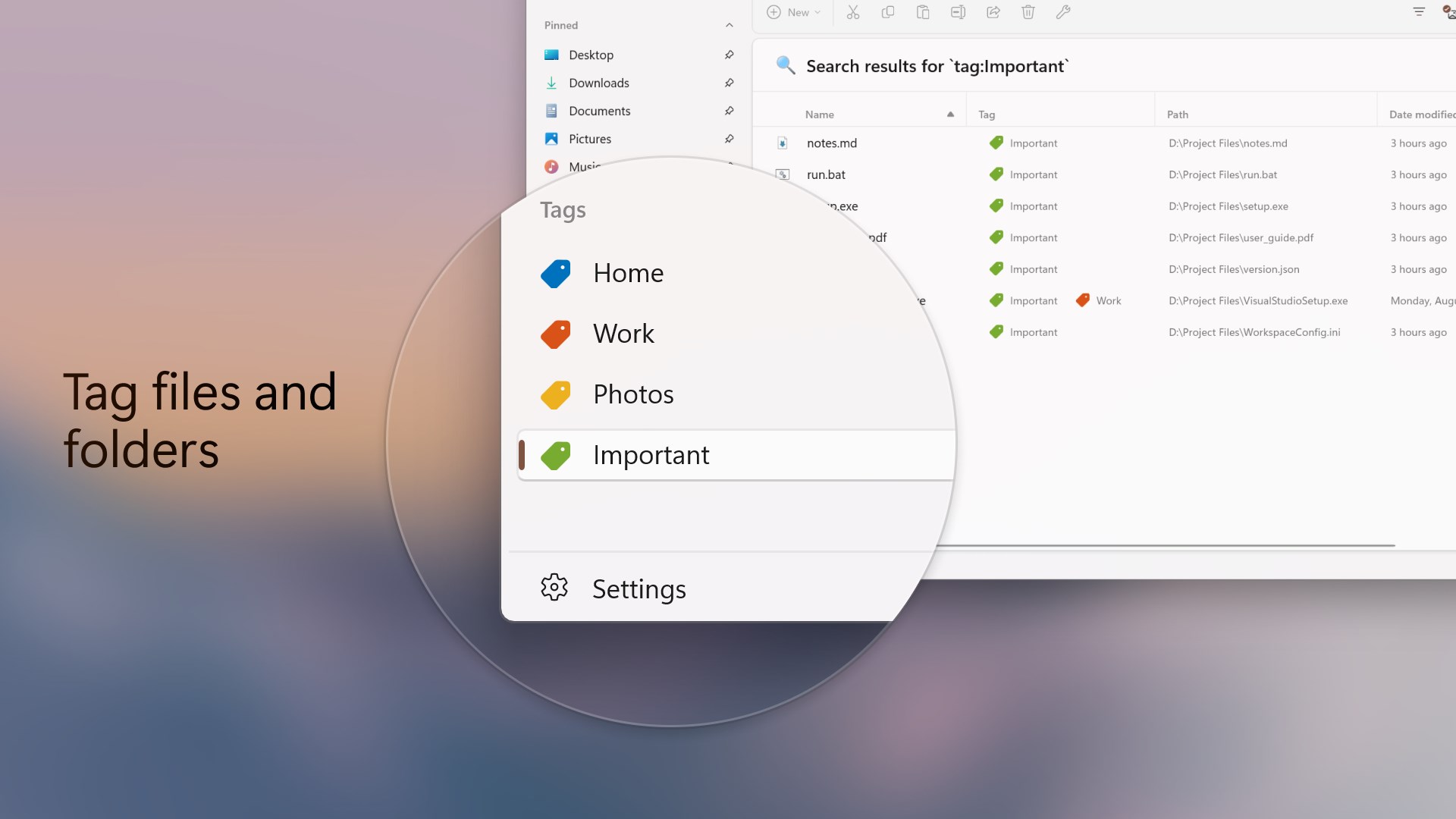
- Power-User Utilities: Access a built-in Command Palette, define custom keyboard shortcuts, assign file tags for rapid discovery, and compare file hashes for security verifications.
- Developer-Friendly Integrations: Features native Git integration, allowing developers to monitor repository statuses directly from their workspace directories.
- Visual Personalization: Customize your workspace with unique backgrounds and themes that fit your aesthetic preferences.
Who Benefits Most From This Advanced Tool?
The Files App Windows file manager is highly beneficial for professionals managing complex directory structures. Software developers will appreciate the built-in Git tracking and quick-access command palettes. Creative professionals handling massive asset libraries can leverage file tagging and dual-pane drag-and-drop operations to save hours of manual organization. Even casual users looking for a modern, visually cohesive desktop experience will find its tabbed interface incredibly intuitive.
Important Technical Considerations
To run this application, your system requires the .NET 10 Desktop Runtime, which demands administrator privileges during the installation phase. While the software is open-source, purchasing it through the official marketplace directly funds the ongoing development efforts of the Files Community, ensuring continuous updates and feature enhancements.
Our Editorial Verdict
If you find yourself constantly fighting with cluttered desktop windows, the Files App Windows file manager offers a compelling, elegant solution. Its blend of modern aesthetics and deep functionality makes it a standout utility in the productivity category. To explore this powerful file management tool further, head over to the official Microsoft Store to view user feedback and obtain your copy.